

Alpha 0.1.2: Helios + AITCs (Auto Turrets) + Tactical View Sneak Peek
Greetings Wardens
0.1.2 is live on Steam!
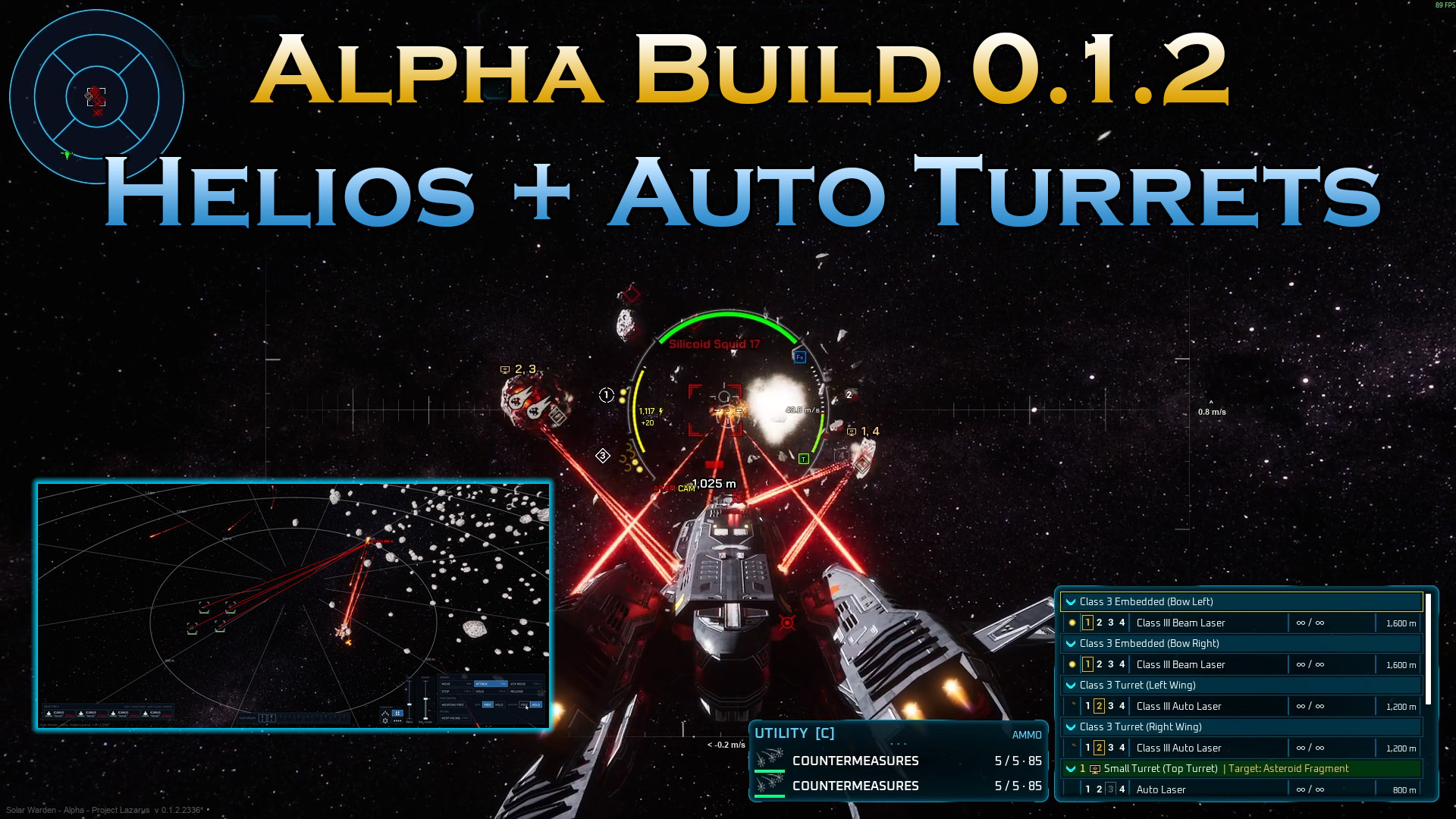
In this update we’ll look at the Helios Corvette – resurrected back from the demo, but this time with AI targeting computers that shoot their own targets while you fly! Launch today in the stock Helios or one of the Variants like the “Longbow” that is a callback to the missile variant from the Demo, or the Pulsar – a laser heavy variant with 4 AITCs (AI Targeting Computers) that you can assign to which ever turret you wish or stick with them as Point Defense turrets as it comes stock. After that: FREE joystick and HOTAS support (Yes this was a stretch goal that was never reached, but I wanted to do this anyway), an improved Options menu (still WIP), the Free Floating Crosshair, and a stack of fixes from your playtests.
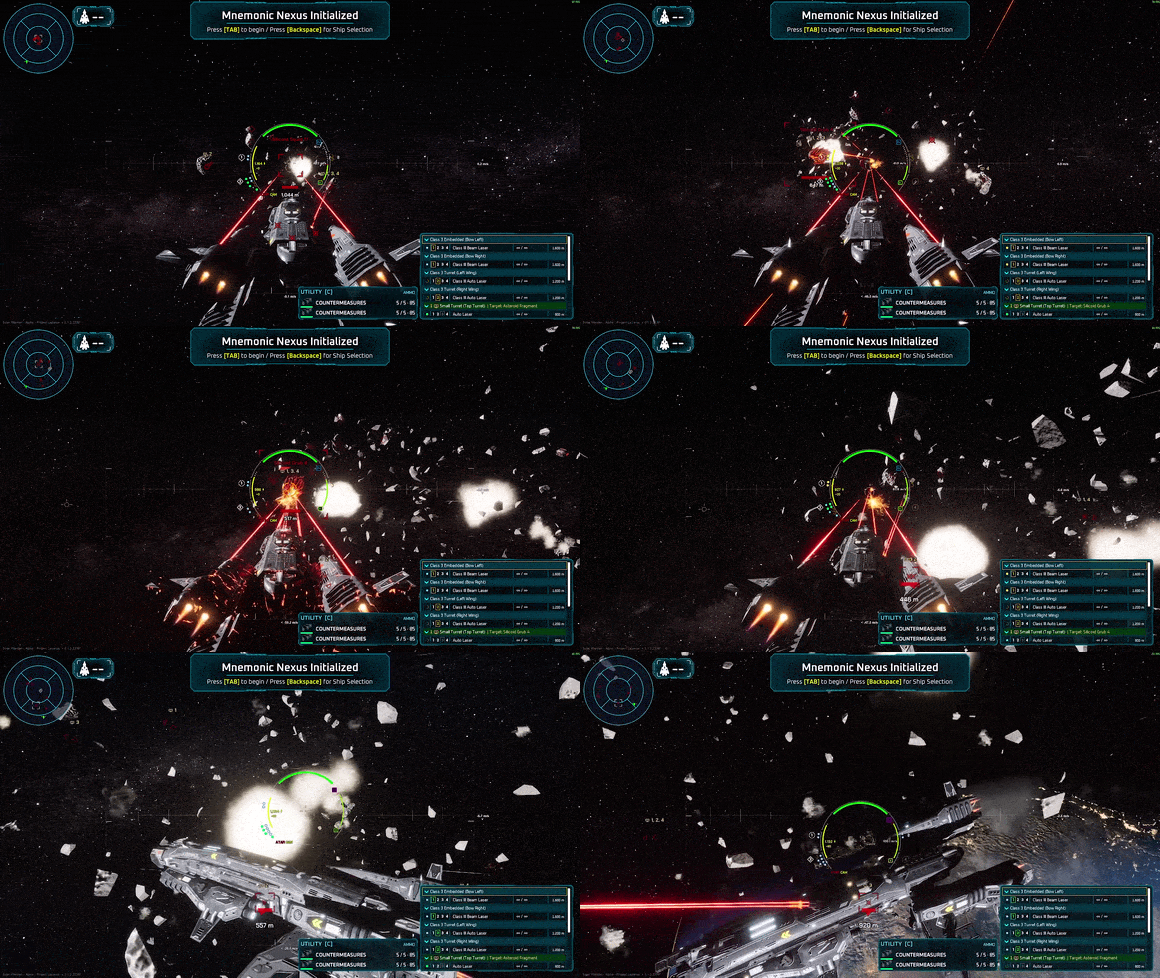
And at the end… a sneak peek at something I’ve been dying to show you – Tactical View…..
The Helios
The Helios re-joins the fleet from the demo in three variants.
– Helios Prime: 2x Fixed Class 3 Beam lasers, 2x Flak Cannons and 2 Swarm Launchers + 2 Point defense turrets with Auto-cannons (AITC Enabled by default)
– Helios Pulsar: 2x Fixed Class 3 Beam lasers, 2x Class 3 Auto lasers (wing mounted) + 4 Point defense turrets with 8 total Class 1 Auto-lasers
– Helios Longbow: 2x Flak Cannons, 4x Swarm launchers + 2 Point defense turrets with Mini-guns
The Helios Corvette is the first step toward the larger class vessels that rely on Fixed massive weaponry and AITCs that you can setup (per turret on basic AITCs) to automatically select targets, or you can select them yourself with the number keys. To make that work, the targeting computers got a big upgrade, and it applies to every ship that carries them:
– Press [-] to put every AI turret on manual aim, and press it again to hand them all back to their computers.
– Turret caps per computer. A ship can limit how many turrets each computer runs – assign a computer to a new turret and it moves off the old one.
– Power reserve hold. Computers can hold fire to keep a power reserve, so they don’t drain your grid dry right when you need it.
– Fixed missile racks fire on their computer’s arc – that’s how the Helios “Longbow” fixed racks can fire on their own (if AITCs are assigned).
– See the computer’s lock. You can watch a computer’s missile lock building on its target. Select that target and your own lock picks up where it left off.
– No more stray lock rings. Racks a computer is running no longer give you a lock ring or lock sounds of your own, so the missile Helios doesn’t bury your HUD in rings.
– Read who’s on what. The target badge lists every computer on a target (e.g. “1, 3”).
The Helios also brings a new weapon: the Class 3 Beam Laser, along with a new medium fixed weapon pylon. And it’s not the only new big gun – the Class 3 Auto Laser is in too, excellent for tracking down squids at a glance.
The Tempest’s weapons also sit on their proper fixed and gimbal mounts now, and its nose turret starts under its targeting computer.
Joystick and HOTAS Support
This one has been asked for a lot. Solar Warden now properly supports joysticks and HOTAS setups:
– Stick, throttle and pedals bind as separate devices, hat switches included.
– Every binding gets its own dead zone, response curve and invert, plus a throttle-lever mode.
– Throttle levers act like levers. Bind one to Throttle Up / Down and its position sets your Throttle Vector speed directly. Tap a throttle key and the keyboard takes over until the lever moves again.
–An “Absolute” stick mode for the floating crosshair: stick position = crosshair position. Let go and it recentres.
– Bind axes like keys. Every axis is now two rows (Thrust Forward / Thrust Back) – push the stick, trigger or axis the way you want it and it’s captured.
– No more drift. Axes respond from the first bit of deflection, the ship no longer keeps turning after you let go, and unplugged sticks are forgotten so a new stick picks up Joystick 1’s bindings.
To make room for all of that, the Options menu is remastered: tabs across the top, and a Bindings tab with Keyboard / Mouse / Gamepad / Joystick pages (two binds per device). Almost every key can be rebound now – Countermeasures, the Tactical View, the score screen (Tab), READY (Enter), ship hop, High-Res Screenshot and the saved fleet group keys (F1-F10).
(Gamepad players: the stick dead zone now defaults to 20%, which fixes the stick drift some of you hit.)
The Options menu is still WIP since we’ve moved a bunch of the menus around so we have to fix placement of several items, however, we wanted the functionality there so players can play with their joysticks and setup bindings how ever they wish.
Free Floating Crosshair
Press Alt+R (Likely to change) in Fixed Crosshair and your mouse moves a reticle around inside the forward aim circle. Your gimbaled weapons follow it, while W / S / A / D and Q / E fly the ship. It’s rebindable, it shows on the HUD, and it’s saved per ship. In fact every crosshair mode (Floating, Fixed or Turret View) is now remembered per ship, even after you restart the game.
Fixed Crosshair also got a camera pass: the ship now pivots in frame as it turns instead of being welded to the camera. A small thing, but it gives the hull a lot more weight.
Balance, HUD and Sound
– Burst and Swarm missile launchers lock on faster: 1.25 s, was 2 s.
– Flak Cannon: less damage per hit and a wider spread.
– Turret View turns faster.
– The aim pip turns green only over friendly ships and stations, and orange over everything else.
– The respawn bar shows your ship variant, e.g. Icarus “Hornet”.
– Holding Up / Down in the Weapon Group Manager keeps moving the selection.
– New voice lines when you enter the lobby, during Memory Sync and at the start of each wave.
– Better performance in big battles with lots of Silicoids on screen.
Fixes
– Power Failure no longer traps you. Ships could get stuck in a blackout that never recovered after firing beam weapons online. Fixed.
– In multiplayer, other ships no longer vanish after you respawn and fly far from where you died.
– Dying in a ship you took control of now takes you through the normal death and respawn.
– Ship-to-ship Telepresence (Ctrl+Shift+Tab) now takes you into the friendly ship you have targeted.
– Your own guns and engine no longer cut out or go quiet in busy fights, and big volleys of one gun no longer get too loud.
– Silicoids no longer go after a pilot’s Tactical View camera.
– The Tempest Arrowstorm, Bolt Thrower and Nova now mount their own wing weapons.
– The Zenith Station wreck now shows up when the station is destroyed on DirectX 11 and older GPUs.
The full list is behind the PATCH NOTES button on the main menu.
Sneak Peek: Tactical View
And now the part I’ve been waiting to show you…
The Helios lets one pilot fly a ship while its computers fight. The next step is running a whole fleet. From day one, the hook of Solar Warden has been this: you command the fleet from above, and at any moment you drop straight into the cockpit of any ship and fly it yourself. No loading screen. No menu. You’re just there.
0.1.2 has the first early look at that, in two pieces:
The Tactical View – Press Ctrl+Tab and an AI pilot takes your ship while you rise into a top-down command view. Box-select ships, give move / attack / hold orders, lay waypoint paths with height… then select one ship, press Ctrl+Tab again, and you’re in its cockpit, flying the fight. From the cockpit, Ctrl+Shift+Tab hops you straight into the friendly ship you have targeted.
It already has more to it than a few orders:
– A command HUD. A card for every ship you select, order and fire-control buttons, and fleet groups on the number keys (Ctrl+number to set one).
– A target menu. Hold right-click on a ship or contact: Take Control, Focus Camera, Free / Hold Missiles and Guns on your wingmen, or Attack and Weapons Free on an enemy – Weapons Free sends them at that one target with everything they have.
– Attack Move (Ctrl+A) and Stop (Ctrl+S). Wingmen fly to a point and fight whatever they meet on the way, or drop everything and brake.
– Formations – wedge, box, circle or line – and Keep Facing (Ctrl+F), which holds your ships pointed at a spot or an enemy (and shoots it if it’s an enemy).
– Hold Position (Ctrl+H). A holding ship fights from inside a ring you set with a slider (300 m by default), and an engagement-range slider sets how close ships press in before they break off and come round again.
– Read the battlefield. The grid draws the weapon ranges of the ship you’re following, and outlines every asteroid where the grid cuts through it.
AI Wingmen. For that to mean anything, the ships you’re not flying have to fight. AI-flown ships now fly hard and fight back: full-throttle moves, evasion when they’re shot, turrets that lead their target, weapons free / hold, and limited ammo – just like you. They now steer around asteroids and Zenith Station instead of flying into them (and slip through a gap in a cluster when there’s room), spread out over nearby enemies instead of all piling on one, and wait for a missile lock before they launch.
Currently we are allowing console commands, so if you hit ` on your keyboard, you can bring up the console and spawn in some wingmen of your own with the following example commands;
– SW.SpawnAIShip DA_Icarus
– SW.SpawnAIShip DA_Icarus_Hornet 2 (This spawns 2 Icarus Hornets)
– SW.SpawnAIShip DA_Tempest
– SW.SpawnAIShip DA_Tempest_BoltThrower
– SW.SpawnAIShip DA_Helios_Pulsar
These are early previews, not finished features. They work in tests, but they still need a lot of tuning and multiplayer testing, and you’ll see them change a lot along the way. Expect rough edges – and please tell us what you find!
I hope you enjoy this update!
God speed, Warden!
-Kami
Subscribe to the Solar Warden Newsletter
Solar Warden on Social Media

Join Live Chat on Discord

Solar Warden on IndieDB


 Copyright © 2022 Polar Zenith, LLC. All Rights Reserved.